

If you search for “best AI image generation tools,” you get the same problem every buyer gets in crowded software categories: too many lists, too little judgment.
One site says every tool is “game-changing.” Another says all of them are “must-have.” Most roundup posts do not help because they compare product categories loosely, flatten important differences, and repeat marketing language that could have been copied from a landing page.
That approach is not useful if you actually need to choose a tool for a real workflow.
The practical question is not, “What are the most famous AI image generation tools?” The practical question is, “Which tool should I use for the type of image work I actually need to do next week?”
That is the lens of this guide.
Instead of treating AI image generation like one giant bucket, this article breaks it down by creator scenario. Some tools are best when you need photorealistic portraits that feel like a real camera shoot. Some are stronger for polished professional headshots. Some are better for profile pictures, room concepts, or trend-aware visual inspiration for fast-moving creator workflows.
Those are completely different jobs, and they should not be evaluated with the same criteria.
Below are five tools from IndieAI’s current directory that stand out in different corners of the AI image generation space:
None of these recommendations are interchangeable. That is exactly the point. The smartest way to buy AI image generation software in 2026 is to start with the workflow, not with the hype.
How to Evaluate AI Image Generation Tools Without Wasting Money
Before getting into the five recommendations, it helps to define what actually matters.
Most buyers compare image tools on flashy outputs alone. That is a mistake. Good-looking screenshots can hide weak workflow design, poor consistency, awkward onboarding, and pricing models that stop making sense once you move from experimenting to repeated use.
The real evaluation criteria are usually these:
1. How narrow is the job-to-be-done?
A focused product can be better than a general one. A tool built specifically for headshots should usually beat a generic AI art product if your only goal is a polished LinkedIn photo.
2. How much control do you need?
Some users want fast presets and minimal decisions. Others want more iteration, more style choices, more scenario control, and more room to experiment.
3. How close does the output need to be to reality?
There is a major difference between “creative and impressive” and “believable enough to use professionally.” If the image will appear on a company team page, a dating app, or a real estate listing, realism matters a lot.
4. Is the image a final asset or a thinking tool?
Sometimes the image is the product. Other times the image is just a draft that helps you make a decision. Room redesign previews and creative trend exploration are often closer to decision-support than final asset production.
5. Will you use it once or repeatedly?
One-time use can justify different pricing and convenience tradeoffs than a tool that becomes part of an ongoing weekly content workflow.
With that framework in place, here are the five recommendations.
1. Photo AI for Personal Brand Content That Needs Range
If your problem is not just “I need one nice image,” but “I need a repeatable stream of believable, varied, on-brand personal images,” Photo AI is the strongest fit in this set.
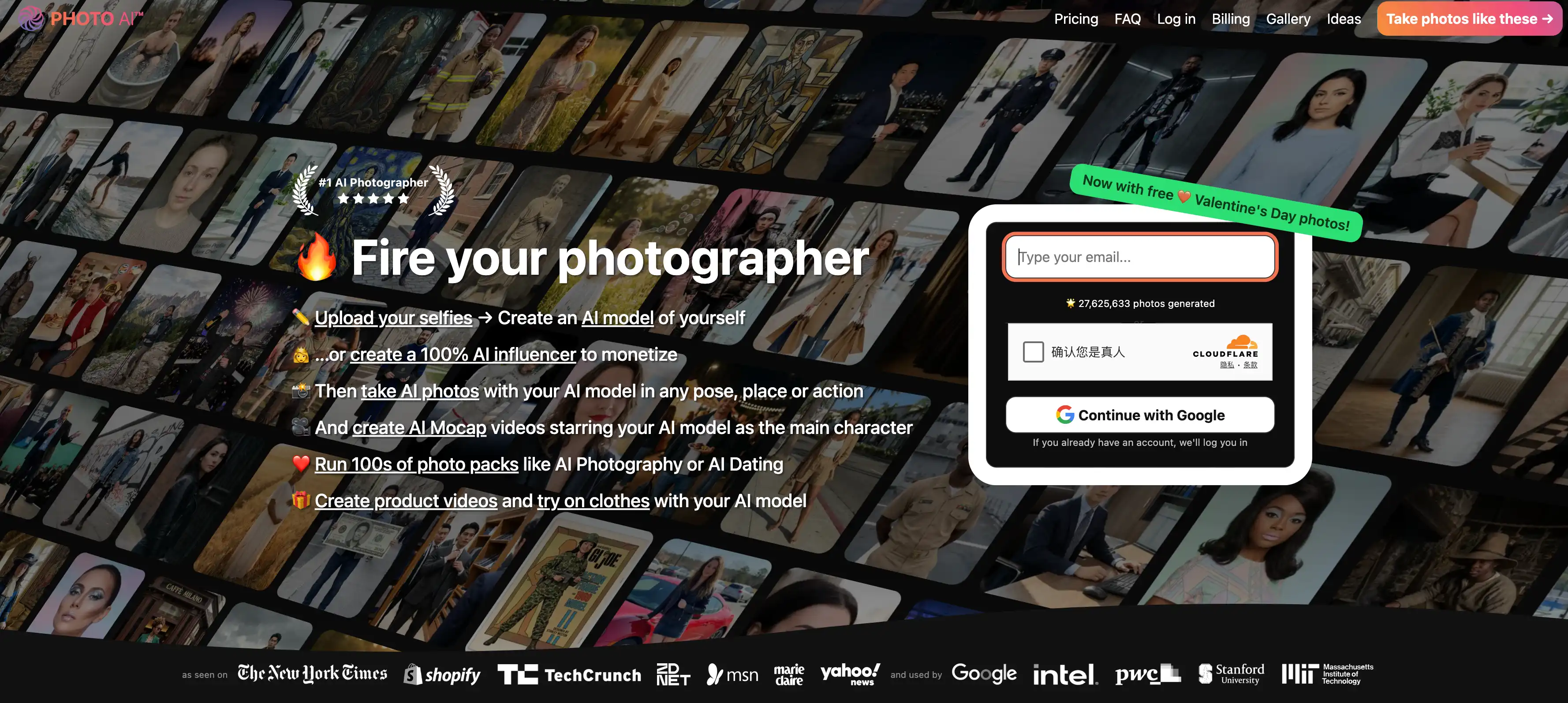
The reason is not just realism. It is range.
A lot of image generators can make one impressive sample. That is not enough for creators, founders, coaches, influencers, and solopreneurs who need content over time. The real challenge is generating enough visual variety without losing identity. You do not want every asset to look like the same exact portrait with a different background prompt pasted behind it.
Photo AI is especially useful when your workflow includes:
- social media content creation,
- personal branding,
- creator monetization,
- landing page hero images,
- dating profile iteration,
- or recurring audience-facing visuals.
What makes it compelling in practice is the way it turns “you” into a reusable visual asset. That changes the economics of content production. Instead of coordinating repeated shoots, planning outfits, scouting locations, and managing reshoots, you get a system for exploring multiple visual directions quickly.
That matters more than many buyers realize. The value of AI image generation is not just lower cost. The deeper value is lower coordination overhead. When you can explore ten directions in the time a normal shoot would take to plan one, your creative process changes.
Photo AI is also a good example of a tool that works best for users who think in campaigns rather than isolated files. You can use it to test positioning angles visually: more polished, more casual, more lifestyle-oriented, more premium, more playful. That makes it useful not only for solo creators, but also for marketers and growth-focused founders who treat imagery as part of conversion strategy.
Who should choose it:
- creators building a consistent public identity,
- indie founders who need good marketing visuals without full production overhead,
- users who want multiple looks rather than one professional portrait,
- and anyone whose image workflow is ongoing rather than one-off.
Who should skip it:
- users who only need a conservative corporate headshot,
- or buyers who care less about content variety than strict professional uniformity.
If your use case is breadth, flexibility, and repeatable personal-image output, this is the most complete recommendation in the group.
2. HeadshotPro for High-Trust Professional Photos
If Photo AI is about range, HeadshotPro is about trust.
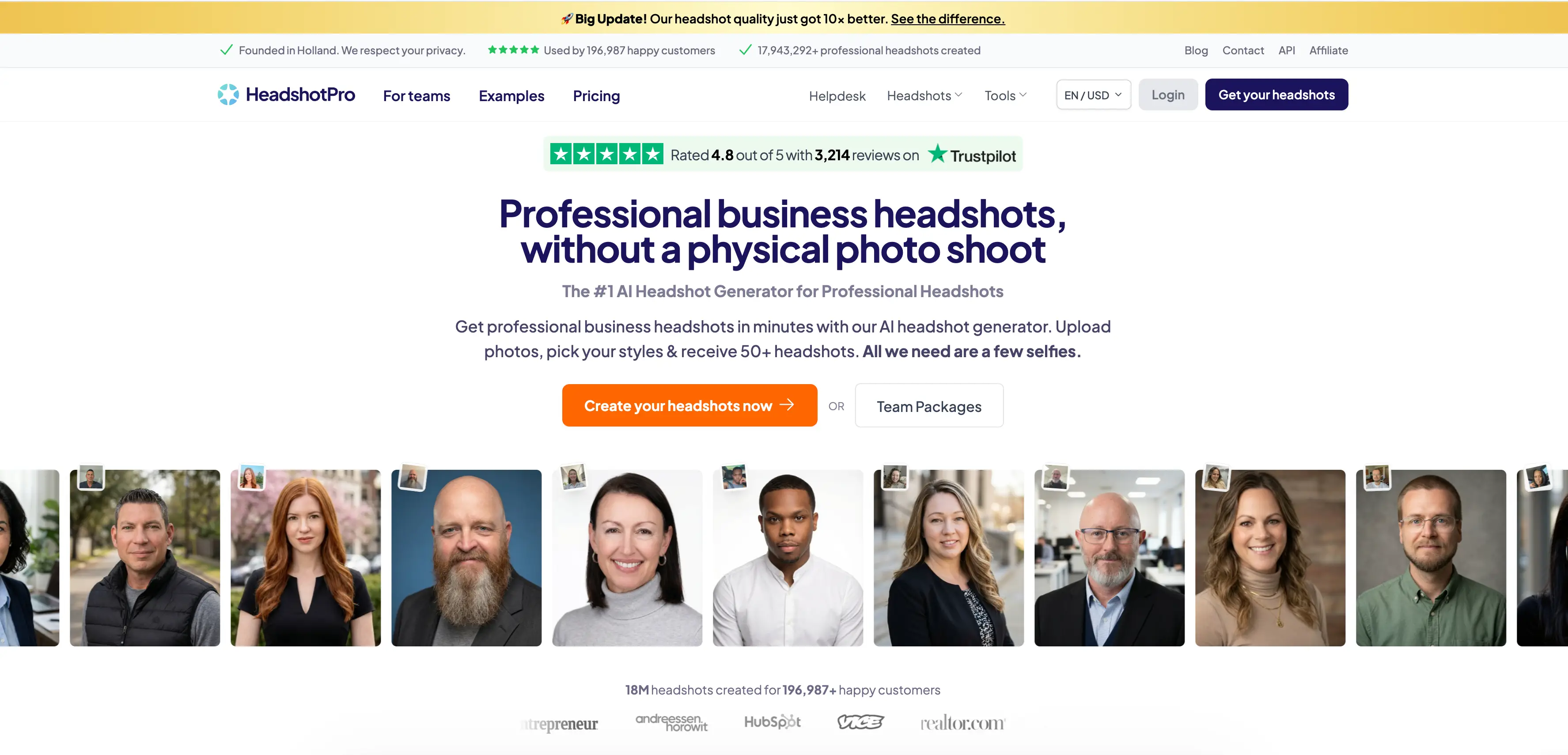
This is the tool in the list that makes the most sense when your image is expected to behave like a professional credential.
That distinction matters. A company team page, investor introduction, speaking bio, recruiting profile, consulting website, or LinkedIn presence all ask for a slightly different kind of visual outcome than creator-led social content. In those settings, the job is not “look interesting.” The job is “look credible, clean, and trustworthy.”
HeadshotPro is well suited to exactly that kind of requirement.
The strongest reason to choose it is that it reduces professional-image friction at both the individual and team level. Traditional headshots are expensive, slow to coordinate, and usually inconsistent across distributed teams. One person delays scheduling. Another person sends outdated photos. A third ends up with lighting that looks visibly different from everyone else. The result is a company page that feels stitched together.
AI headshot tools are compelling because they remove that coordination tax, but not all of them feel enterprise-safe. HeadshotPro is one of the few products in the category that feels naturally aligned with business use rather than novelty-first experimentation.
That makes it particularly strong for:
- remote teams,
- consultants,
- job seekers,
- agency founders,
- startup operators refreshing brand assets,
- and any organization that needs visual consistency without booking a photographer.
Another reason it deserves a place in this guide is workflow confidence. Some AI image tools are fun but operationally ambiguous. HeadshotPro is clearer. The buyer intent is easy to understand, the expected output is easy to evaluate, and the success metric is obvious: would you comfortably put these images on a serious business-facing profile?
That clarity is valuable.
Where people go wrong with headshot tools is assuming they are only about vanity. In reality, they are often about conversion. A better profile image can influence hiring impressions, trust on landing pages, response rates in outreach, and perceived professionalism across digital touchpoints. That does not mean a photo alone builds a business. It does mean weak visuals create unnecessary drag.
Choose HeadshotPro if your image has to perform inside professional contexts where visual sloppiness signals risk.
3. ProfilePicture.AI for Identity Testing Across Platforms
ProfilePicture.AI sits in a different slot from HeadshotPro, and buyers should not confuse the two.

HeadshotPro is optimized for professional trust. ProfilePicture.AI is more useful when the challenge is identity exploration across multiple online contexts.
That sounds subtle, but it is a meaningful distinction.
Many users do not need one fixed corporate-ready image. They need options. Their LinkedIn should feel polished, their X account can be more expressive, their personal website may need something warmer, and their Discord, newsletter avatar, or creator brand might benefit from a different visual style entirely.
This is where ProfilePicture.AI becomes a strong recommendation.
It is particularly effective for users who are still shaping how they want to appear online. That includes:
- indie hackers building in public,
- creators testing brand aesthetics,
- professionals who want social-friendly variants,
- freelancers managing multiple audience contexts,
- and users who care about stylization without drifting into completely unrealistic outputs.
The value here is not simply “generate a profile photo.” The deeper value is compressed experimentation. Instead of manually testing many identity directions through photography, editing, and separate design work, the user can review multiple interpretations quickly and decide what visual framing fits each platform.
This is especially relevant in 2026 because digital identity is more fragmented than ever. A founder can simultaneously be:
- a professional operator on LinkedIn,
- a public builder on X,
- a teacher on YouTube,
- a niche expert in Slack communities,
- and a casual participant on messaging platforms.
One photo rarely does all of those jobs equally well.
ProfilePicture.AI is useful because it acknowledges that reality. It is less about “replace every photo forever” and more about “give me a flexible identity lab so I can refine how I show up online.”
That is why I would recommend it to people earlier in their brand-formation journey, or to users who want broader style exploration than a traditional headshot workflow offers.
It is not the best choice if you need a tightly standardized business portrait across a full company. But it is excellent if you need breadth, personal expression, and a broad pool of profile-ready options.
4. Interior AI for Visual Decision-Making, Not Just Pretty Renders
Interior AI belongs in this guide because AI image generation is not only about faces, avatars, or content creation. Some of the best use cases are about helping people make expensive real-world decisions faster.
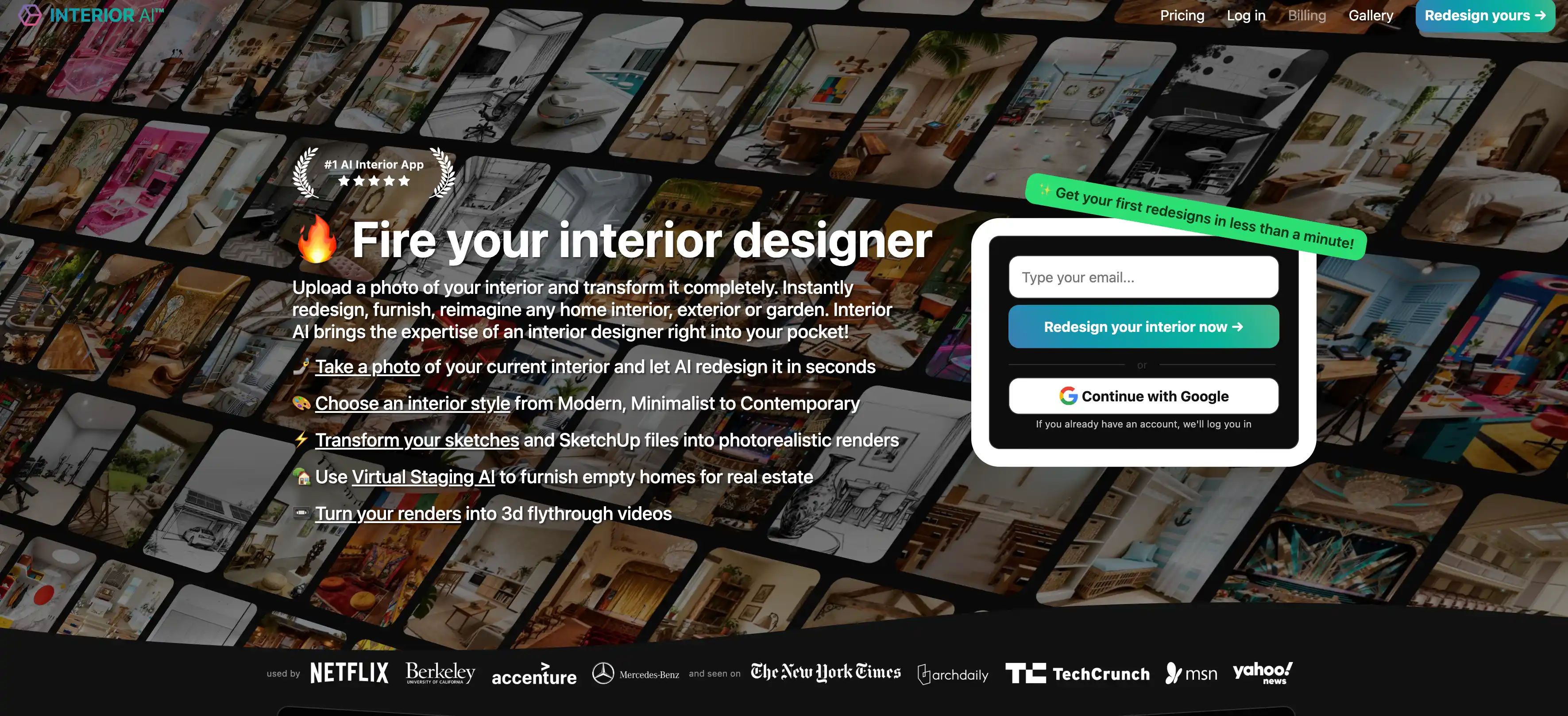
That is exactly where Interior AI stands out.
Many buyers misunderstand interior visualization tools by judging them only on whether the render looks beautiful. Beauty matters, but it is not the only thing that matters. For most users, the actual job is one of these:
- compare design directions before renovation,
- stage an empty room to make a property easier to market,
- communicate a design concept to a client,
- explore style possibilities before spending money,
- or convert rough spatial ideas into something more concrete.
In all of those cases, the image is part of a decision process.
That is why Interior AI is more operationally useful than many general-purpose image generators. A general tool might be able to create an attractive room image, but it usually lacks the workflow framing that makes the output usable in design, renovation, or real-estate contexts.
Interior AI is particularly strong for:
- homeowners trying to reduce renovation uncertainty,
- real estate operators who need better listing visuals,
- interior designers who want faster concept iteration,
- and architects or builders who need quicker visual communication.
The biggest strategic advantage of AI image generation in this category is not cost reduction alone. It is risk reduction.
People hesitate on room changes because the outcome is hard to imagine. They delay projects, overspend on mood-board indecision, or default to safe choices because they cannot see enough credible alternatives. A tool like Interior AI lowers that imagination barrier. When users can compare visual directions quickly, they make decisions with more confidence.
That also makes it useful for marketing-heavy scenarios. Real estate is an obvious one. Empty rooms sell badly because buyers struggle to project meaning onto empty space. Virtual staging and redesign previews create narrative. They let buyers see potential instead of only vacancy.
So while this guide is about AI image generation, Interior AI represents a slightly more sophisticated angle on the category: the best image is not always the most artistic one, but the one that helps someone move from uncertainty to action.
5. Nano Banana AI for Fast-Moving Creative Trend Discovery
Some creators do not need another blank-canvas image generator. They need a faster way to discover what kinds of AI visuals are already working, what styles are spreading, and which prompt directions are worth trying next.
That is where Nano Banana AI fits.
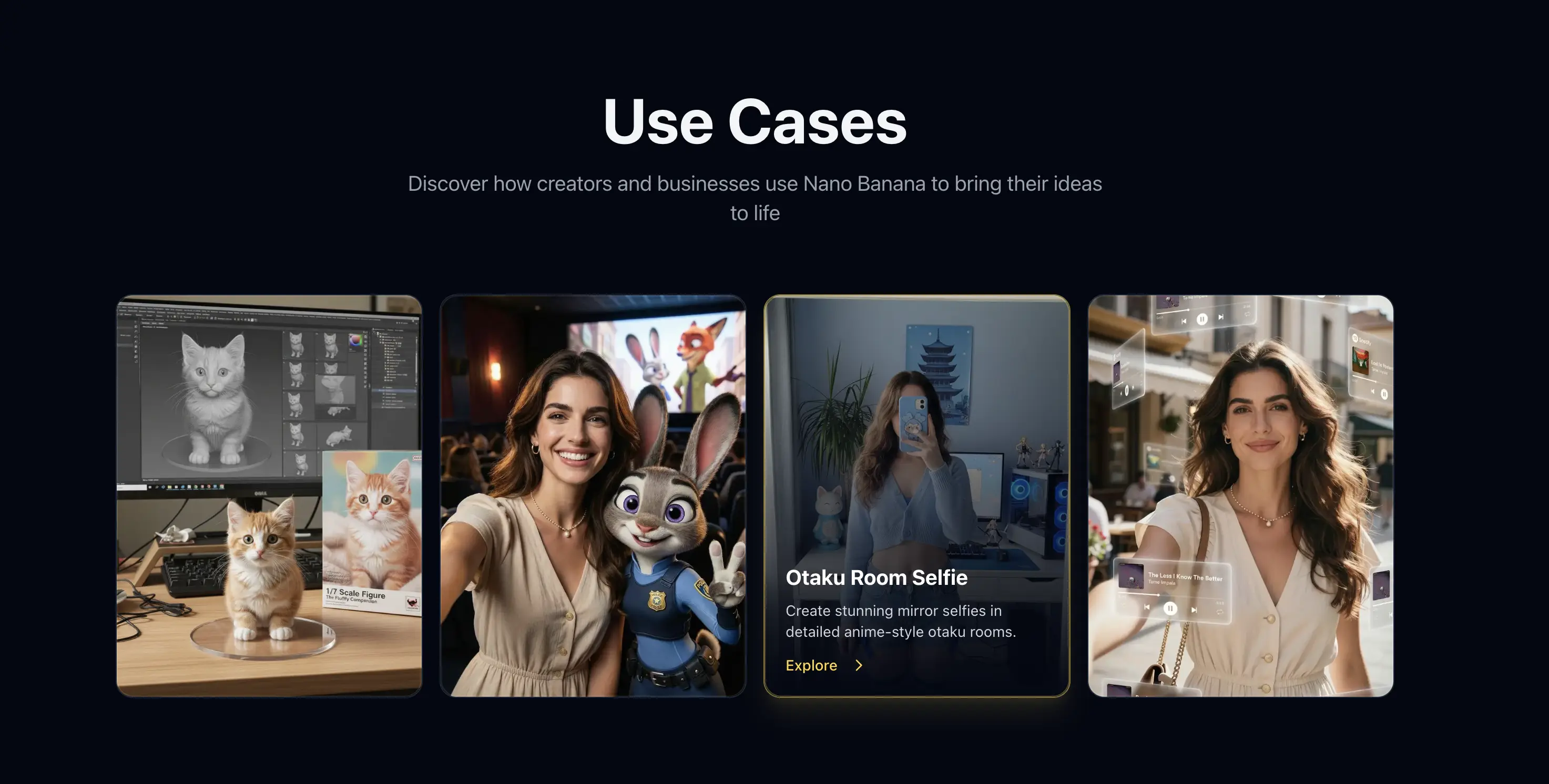
Nano Banana AI is a better fit for inspiration-led workflows than for narrow production tasks. It is useful when the hardest part of image generation is not rendering an image, but choosing a direction that is likely to perform well in the first place.
That is a very real bottleneck in 2026. Creators are overwhelmed by possibility. There are too many prompts, too many styles, too many mini-trends, and too many examples scattered across social feeds without enough structure. The result is that many people waste time reinventing mediocre ideas instead of starting from strong creative patterns.
Nano Banana AI helps close that gap by making trend-aware image ideation easier. Instead of treating AI image generation as a cold start every time, it gives creators a way to browse high-engagement visual ideas, reusable prompt directions, and style inspiration that already feels relevant to current creator culture.
This makes Nano Banana AI a strong recommendation for:
- creators who want to publish eye-catching visuals faster,
- marketers looking for trend-aware image directions,
- social-first founders testing hooks and thumbnails,
- designers gathering inspiration before generating custom assets,
- and indie makers who want better starting points instead of raw prompt guesswork.
The strategic value here is speed-to-angle. Many creators assume their bottleneck is the image model. Often it is not. The real bottleneck is deciding what to make. Once you solve that, execution becomes much easier.
This is why Nano Banana AI belongs alongside the other tools in this guide even though it plays a different role. Photo AI, HeadshotPro, ProfilePicture.AI, and Interior AI help users generate or refine specific classes of images. Nano Banana AI helps users find stronger creative directions before they generate.
That makes it particularly useful for people operating in fast, algorithm-driven environments where visual novelty matters. If you make images for social growth, creator branding, or trend-sensitive content campaigns, it is often more valuable to start from a proven visual pattern than from a totally blank prompt box.
Nano Banana AI is therefore best understood as a trend and prompt acceleration layer. It shortens the path between “I need a visual idea that can work now” and “I have a direction worth producing.”
Which of These Five Tools Should You Actually Pick?
If you want the shortest version of this guide, use this selection logic:
- Choose Photo AI if you need ongoing personal-brand visuals with variety and realism.
- Choose HeadshotPro if you need high-trust business portraits for professional contexts.
- Choose ProfilePicture.AI if you want to test multiple identity styles across social and professional platforms.
- Choose Interior AI if your goal is visual decision support for rooms, staging, or renovation concepts.
- Choose Nano Banana AI if you want faster access to trend-aware prompt ideas and creator-friendly visual inspiration.
That selection logic may look simple, but it is better than most AI tool shopping behavior because it starts with the actual job.
Too many buyers chase the broadest product or the most viral one. That usually leads to mediocre fit. In software categories like AI image generation, the best product is often the one with the narrowest alignment to your immediate problem.
Final Takeaway
The AI image generation category is crowded because the technology is powerful, visible, and easy to demo. But buyers do not benefit from category noise. They benefit from product-tool fit.
That is why these five recommendations matter. Each one earns its place for a different workflow:
- Photo AI for repeatable personal visual content,
- HeadshotPro for professional trust,
- ProfilePicture.AI for identity variation,
- Interior AI for spatial decision-making,
- Nano Banana AI for trend-aware prompt discovery and creative direction.
If you treat all AI image generation tools as the same category with slightly different branding, you will choose badly. If you match the tool to the workflow, the category becomes much easier to navigate.
That is the real buying advantage.