
AI Hairstyle iconAI Hairstyle
Upload a selfie and try 111 hairstyles or 36 hair colors on your own face in about 20 seconds, then take the picture to your stylist.
gemini omni icon

gemini omni

Prompt-led AI video editor for creators and teams.
gemini omni screenshot
video generation
By lee grayson

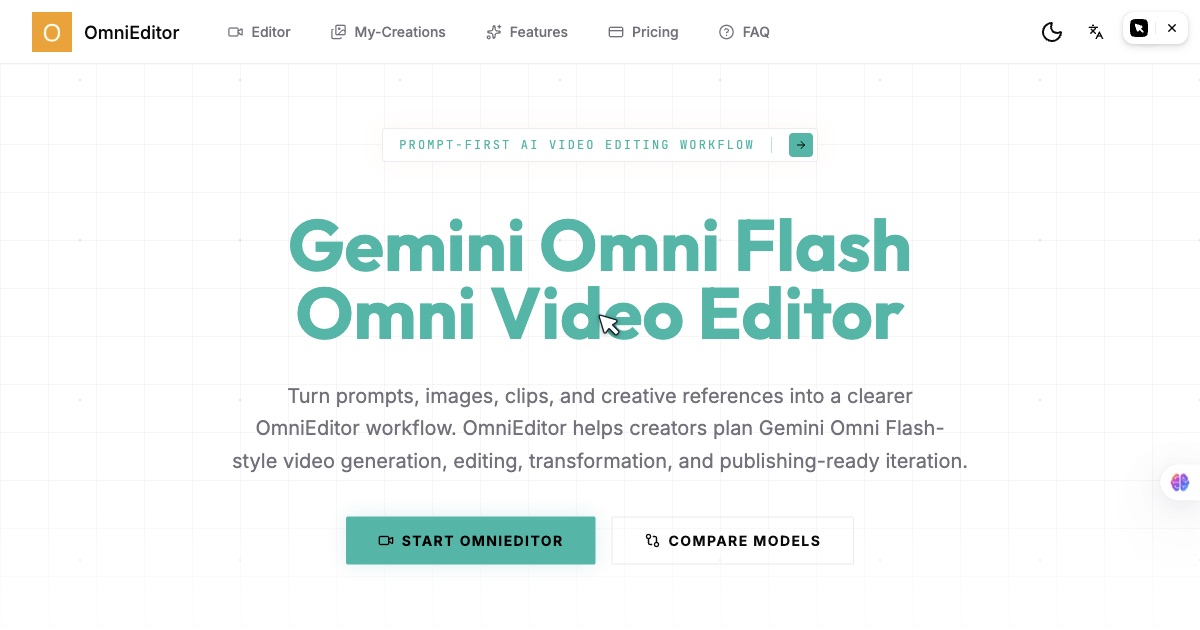
Gemini Omni — published as OmniEditor at omnieditor.io — is a prompt-first AI video editor. The pitch is “Chat once, get a finished image or video”: you describe the result you want, drop in your own photos or clips, and an agent picks the model, writes the prompt, and iterates with you in a live session.

That agent layer is the point of difference. Rather than making you choose a model and hand-tune a prompt, OmniEditor takes an instruction like “animate this photo into a 9:16 cinematic clip” or “restyle this clip into hand-drawn anime” and handles the model selection and prompt engineering behind it. Uploads are accepted up to 100 MB.

Key Features

  • Agent-driven sessions — The agent picks the model and writes the prompt, then iterates with you live.
  • Text-to-video — Define subject, action, location, camera motion, style, and output format from a scene prompt.
  • Image-to-video — Guide the first motion pass from a still, product shot, storyboard frame, or character reference.
  • Video-to-video editing — Keep what works in an existing clip and request targeted changes in plain language.
  • Reference consistency — Hold products, characters, layouts, and style references stable across variations.
  • Audio-aware direction — Plan ambience, music, speech timing, lip-sync, sound effects, and beat-matched motion.

Who It’s For

Creators, marketers, education teams, and small product teams making social videos, product demos, avatar clips, explainers, short ads, streaming intros, and campaign variants.

How It Works

  1. Define the scene — Name the subject, action, setting, format, and the first moment the viewer should understand.
  2. Add creative control — Specify camera movement, shot size, lens feel, lighting, visual style, and mood.
  3. Lock the references — Say which product, character, layout, color, or motion details must stay consistent.
  4. Iterate with edits — Request focused changes after the first result rather than rewriting the whole prompt.

The site publishes a side-by-side comparison of Gemini Omni Flash against Seedance 2.0, positioning Omni Flash as the better surface for reference-led iteration and Seedance 2.0 for a polished production pass.

Frequently asked questions

What is the official site?

omnieditor.io. The product is published as OmniEditor (Omni Editor), built around Gemini Omni Flash video workflows.

How is this different from a normal AI video generator?

It is agent-driven: you describe the outcome and the agent picks the model, writes the prompt, and iterates with you, rather than making you configure each generation yourself.

What inputs can guide a workflow?

Prompts, images, video clips, audio references, and style notes — combined in one creative brief. Uploads are accepted up to 100 MB.

When should I use Seedance 2.0 instead?

The site's own comparison places Gemini Omni Flash as the better fit for reference-led editing and fast iteration, and Seedance 2.0 for the polished production pass where the final clip needs high fidelity.