
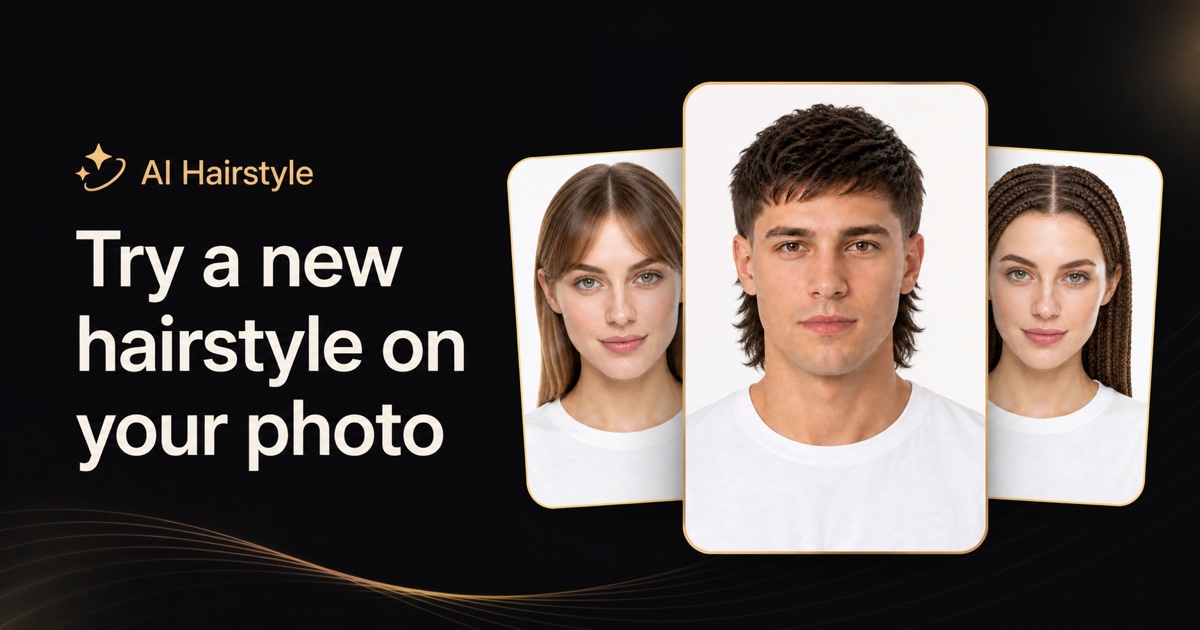
AI Hairstyle answers a question the salon chair is a bad place to ask: what will this actually look like on me? Upload a selfie, pick from 111 cuts or 36 colors, and see the result on your own face in about 20 seconds — then walk in with a picture of your own head instead of a celebrity screenshot.
The distinction the site keeps returning to is that the model repaints hair only. Your face, skin tone, and lighting stay exactly as they were in the photo you uploaded, which is what makes the output usable as a decision rather than a novelty. Generation runs on OpenAI’s GPT Image 2.
The catalog is broad enough to actually decide from: 111 hairstyles (83 in the women’s tab, 69 in the men’s) covering cuts and lengths (pixie, bob, lob, shag, long layers, buzz cut), braids and updos (French braid, box braids, bun, ponytail, chignon), and men’s shapes (fade, crop, quiff, mullet, undercut, wolf cut) — plus 36 colors spanning naturals, blondes, reds, and fashion shades like rose gold, blue, and pink. Any cut mixes with any color, or you can change just one and keep the other.
Key Features
- 111 hairstyles, 36 colors — Mix any cut with any color, or change only one.
- Hair-only editing — Face, skin tone, and lighting are preserved from your photo.
- ~20 second generations — Fast enough to compare several looks in one sitting.
- Runs in the browser — Desktop and mobile, nothing to install.
- Downloadable results — Save the image and send it to your stylist.
- Generation history — Kept on paid plans, so you can revisit earlier looks.
- Credits roll over — Unused credits carry forward on every plan.
Pricing
Signing in gives 10 credits, which is one generation. Each look costs 10 credits after that, and browsing every style is free. Monthly, yearly (50% off), and one-time credit options are available.
- Lite — $9/month. 10 generations, all styles and colors, downloads, generation history.
- Plus — $49/month. 200 generations, higher priority. Marked most chosen.
- Pro — $99/month. 500 generations, highest priority, email support.
Every plan uses the same model — GPT Image 2 — so the tiers buy volume and queue priority, not better output. Failed generations are automatically returned to your balance. Purchases are final and unused credits are not refunded, so start on the tier matching what you will realistically generate.
Who It’s For
Anyone weighing a cut or color they cannot picture, and would rather not pay twice to undo it — plus stylists who want to show a client the shape on their own head before picking up the scissors.
How It Works
- Upload a selfie — One front-facing shot in decent light, hairline visible. JPG, PNG, or WebP up to 10 MB. Phone photos work.
- Pick a cut, a color, or both — Or keep your current cut and change only the color.
- Generate and download — About 20 seconds to a preview you can save and send.
Hats, hoods, heavy filters, group shots, and profile-only angles hide the hairline the model needs, so a plain front-facing phone selfie beats a high-resolution photo shot from the side.