
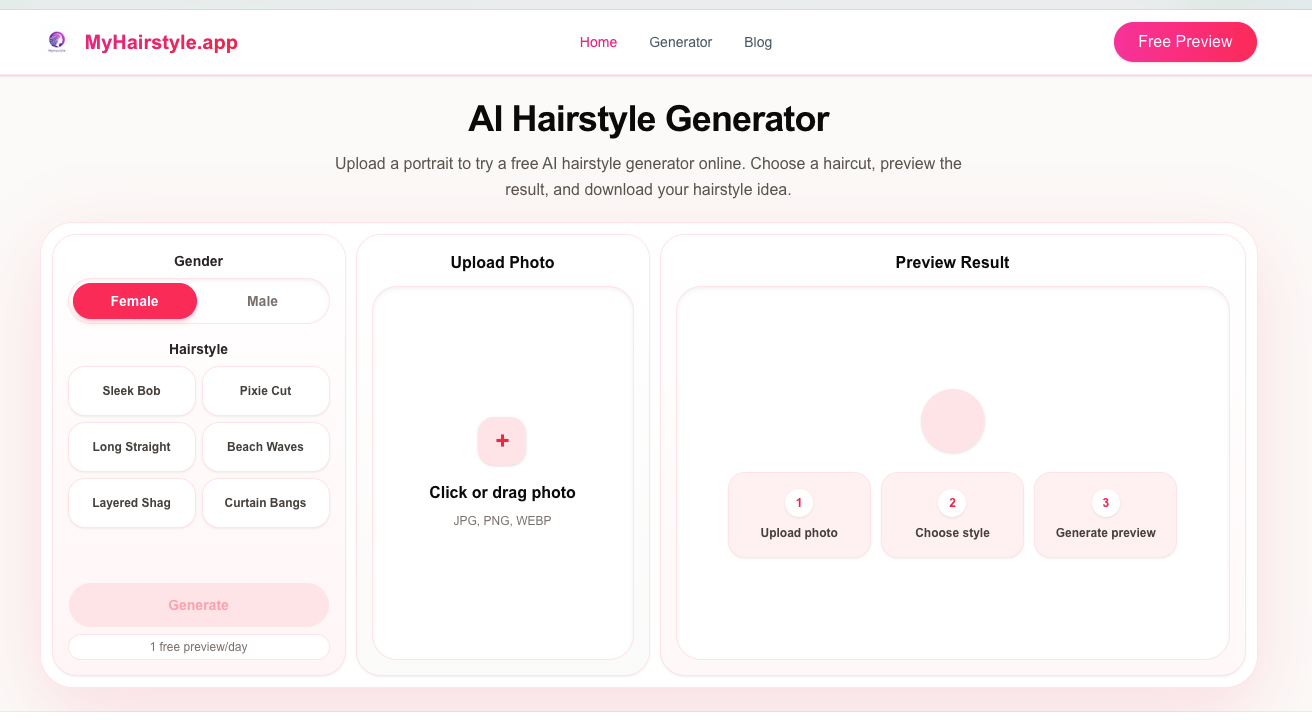
My Hair Style at myhairstyle.app is a free AI hairstyle preview tool. Upload one portrait, try a shorter cut or bangs, and leave with a visual you can show your stylist—before scissors meet hair.
It is deliberately practical: fewer fashion-filter gimmicks, more “would this length work on my face?” decisions.
Key Features
- Portrait-based try-on — See styles on your own photo, not a stock model.
- Everyday style comparisons — Shorter cuts, bangs, and common salon requests.
- Free daily preview — About 1 free generation per day to test looks without a subscription wall.
- Stylist-ready reference — Export a clearer visual for the chair conversation.
How It Works
- Upload a clear front-facing portrait.
- Choose or describe the hairstyle you want to preview.
- Review the AI result and iterate if you still have free uses.
- Save a favorite to share with your stylist.
Use Cases
- Deciding between length options before a big cut
- Testing bangs without a risky commitment
- Planning a makeover with a partner or friend
- Bringing a concrete reference to a salon appointment
My Hair Style keeps category focus on avatar-style personal previews—simple AI hairstyle try-ons for real decisions.