


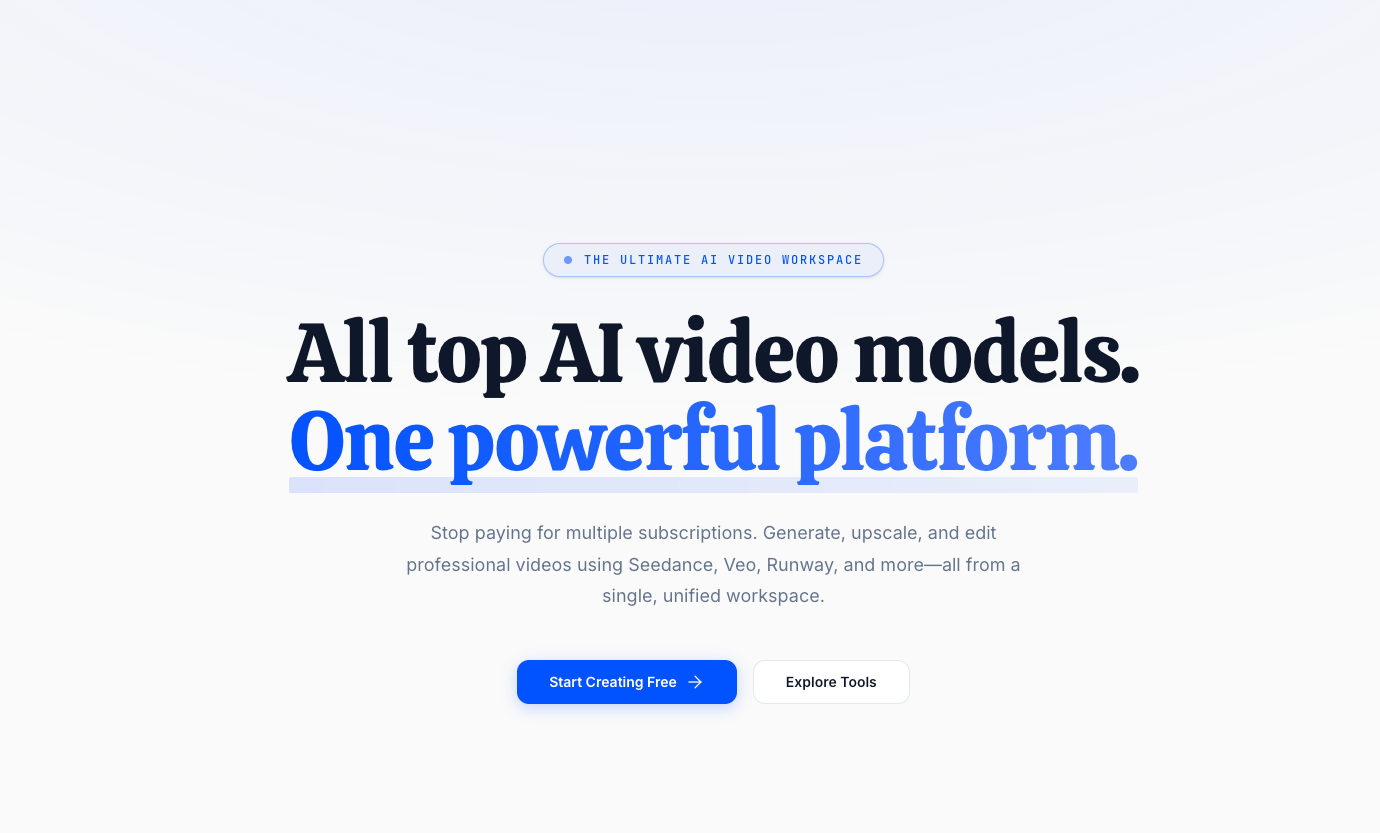
VidTool AI is an aggregator, not another model: “All top AI video models. One powerful platform.” It brings Seedance, Google Veo, Runway Gen-3, Luma Dream Machine, Pika Labs, and Sora into a single browser workspace so you are not paying five separate subscriptions and scattering assets across five dashboards.
The argument the site makes is a cost one. Rather than five ~$30/month accounts, you hold one subscription and spend credits across whichever model suits the shot. The workflow argument follows from it: generate in Seedance, upscale to 4K, and remove the background without leaving the browser or juggling tabs.
Around the generators sits a set of applied video tools — body swap, background removal, and translation with dubbing into English, Spanish, French, German, Chinese, Japanese, Korean, and more — plus image generation and an AI audio creator for voiceovers and sound effects.
Key Features
- Text to video — Type a prompt and let Seedance or Runway Gen-3 render it.
- Image to video — Upload a still as the first frame and animate it with camera movement and physics.
- 4K video upscaling — Built-in upscaler models, one click from a generated clip.
- Background removal — Rotoscope and remove the background from generated or uploaded video.
- Video body swap — Swap a person from a reference image into a video while preserving the original motion.
- Video translator — Translate and dub uploaded video across a dozen-plus languages.
- AI image generator — Text-to-image using diffusion models in the same workspace.
- AI audio creator — Voiceovers and sound effects from text.
Pricing
All four plans include AI image, video, and audio generation plus a commercial use license. Annual billing saves 20%.
- Starter — $19/mo ($15.20 annual, billed $182.40/yr). 300 credits/month, Fast Queue.
- Pro — $49/mo ($39.20 annual, billed $470.40/yr). 700 credits/month, High Priority Queue. Marked most popular.
- Max — $99/mo ($79.20 annual, billed $950.40/yr). 1,800 credits/month, Highest Priority Queue.
- Ultra — $199/mo ($159.20 annual, billed $1,910.40/yr). 4,500 credits/month, Zero Queue Time.
Queue priority is the main axis separating the tiers beyond credit volume, so the practical question is how much you generate and how long you are willing to wait.
Who It’s For
Hobbyists and casual creators at the entry tier, through social media managers and active creators, up to filmmakers, marketers, and teams producing marketing assets, YouTube Shorts, music videos, and social content at volume.
How It Works
- Open the workspace and pick the model that suits the shot.
- Generate from a text prompt or an uploaded first-frame image.
- Upscale to 4K, remove the background, or translate — without leaving the browser.
- Export with full commercial rights.
VidTool AI is an independent platform and is not affiliated with the model providers it aggregates. Everything runs in the cloud, so there is nothing to install.