
If you are shopping for a multi-model AI chat UI, you are usually not looking for another chatbot brand.
You already have API access — or you want it — and you need a better frontend:
- one place to talk to GPT, Claude, Gemini, and other models,
- more control than the default vendor UI,
- and fewer tabs, fewer lost chats, fewer blind spots.
This guide compares three tools from IndieAI that belong in the same decision set:
They are all multi-model chat experiences, but they optimize for different power-user jobs.
What actually matters in a multi-model chat UI
The useful question is not “Which app lists the most models?”
It is:
- do you want a polished BYOK desktop/web workspace,
- a privacy-first local/mobile client,
- or a decision system where models debate each other?
Those are different products wearing the same “multi-model” label.
1. TypingMind for the best all-around LLM frontend
TypingMind is the strongest default for power users who want a serious chat workspace across providers.
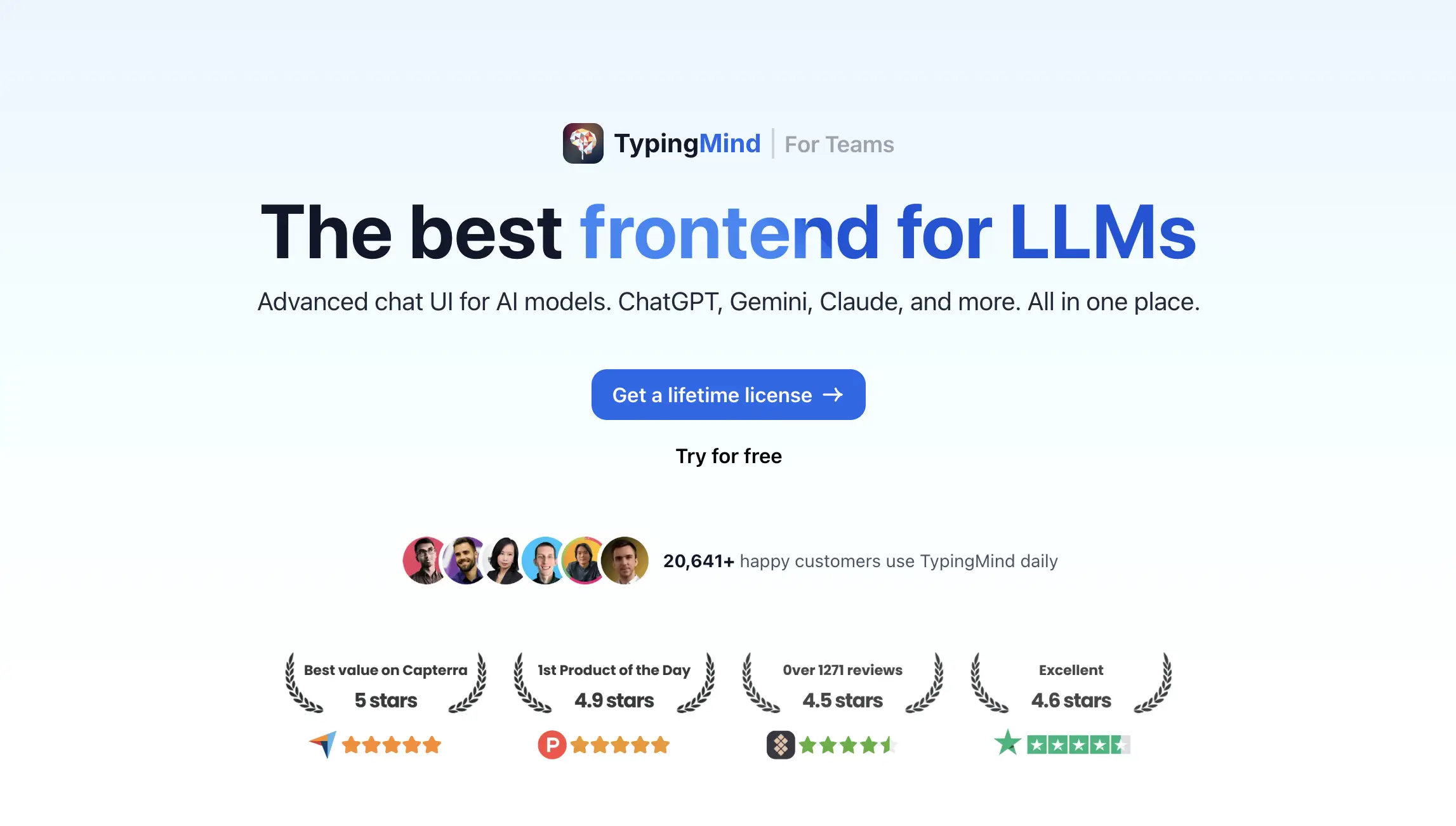
It is built around bring-your-own API keys, local-first privacy choices, agents, plugins, RAG connectors, and parallel multi-model chats. That makes it the closest thing to a professional frontend for people who already pay model providers directly.
Best for
- Power users switching between ChatGPT, Claude, Gemini, and more
- Teams that want one UI instead of five vendor apps
- Buyers who prefer BYOK and one-time / usage-based economics
Strengths
- Mature multi-model workspace with agents and plugins
- Strong privacy and local-storage positioning
- Proven adoption among serious daily users
Not ideal for
- People who only want a tiny mobile-first local LLM app
- Teams whose main need is multi-model debate / hallucination checking
2. im.ai for privacy-first local and mobile multi-model chat
im.ai is the better fit when the priority is a small, privacy-first client on iPhone and Mac with BYOK access.
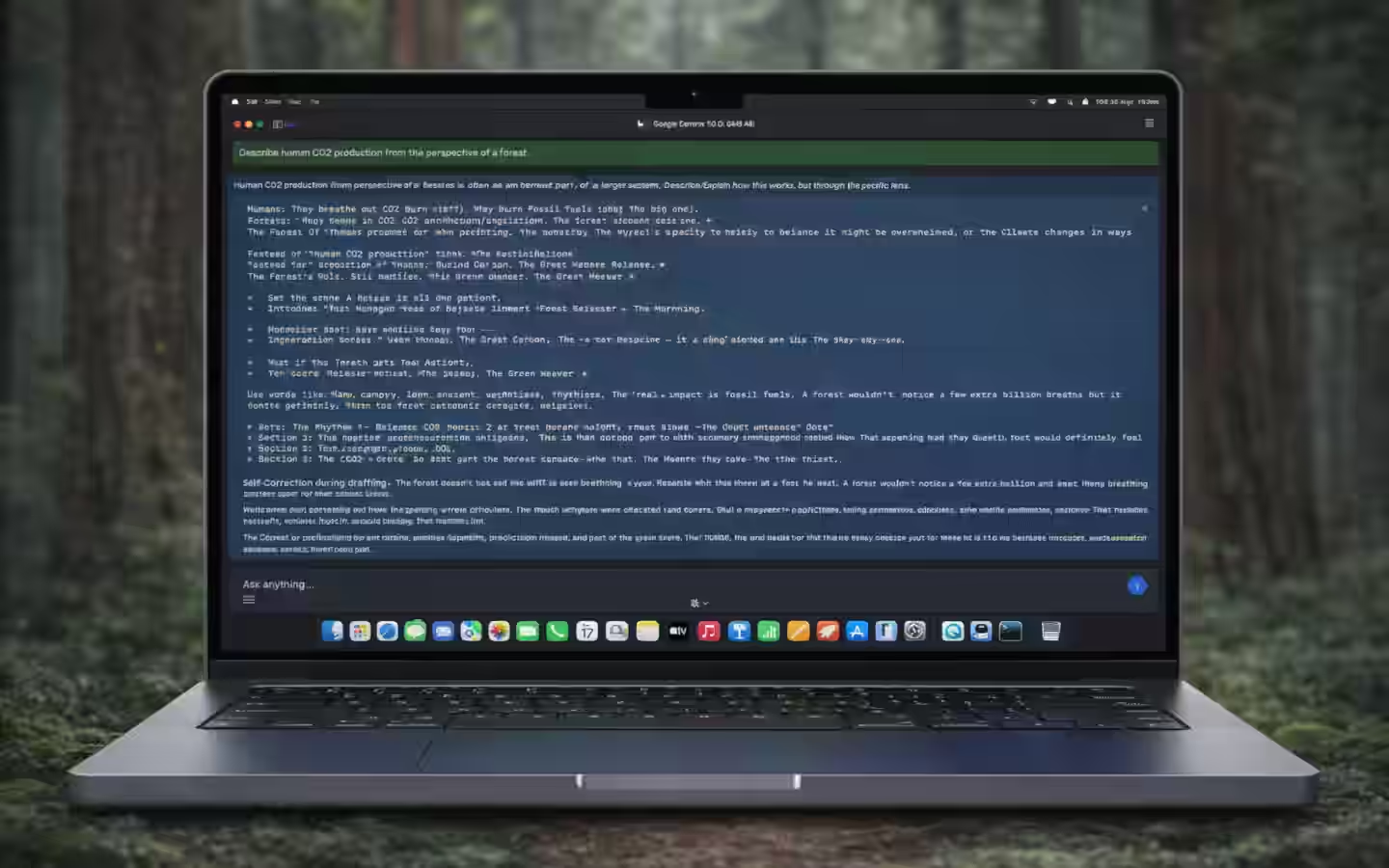
Where TypingMind feels like a full desktop workspace, im.ai is positioned as a lean local-first AI app. That matters if you care more about device-side privacy and a lightweight multi-model client than about a large plugin ecosystem.
Best for
- iOS / Mac users who want local-first AI chat
- Privacy-sensitive buyers bringing their own keys
- People who want multi-model access without a heavyweight workspace
Strengths
- Privacy-first local LLM / BYOK positioning
- Mobile and Mac oriented
- Simple multi-model access without enterprise complexity
Not ideal for
- Users who need agents, deep RAG, and a large plugin marketplace
- Teams that want models to debate each other before a decision
3. Suprmind for multi-model decisions that catch hallucinations
Suprmind belongs in this guide because some power users do not just want chat — they want pressure-tested answers.
Suprmind orchestrates GPT, Claude, Gemini, Grok, and Perplexity so models challenge each other. Disagreements become signals. That is a different JTBD from “better ChatGPT UI.”
Best for
- Analysts, founders, and operators making high-stakes decisions
- Legal / diligence / strategy workflows where one-model answers are risky
- Users who want Debate or Red Team style multi-model review
Strengths
- Explicit hallucination mitigation via model disagreement
- Decision-intelligence framing rather than casual chat
- Useful when blind spots are expensive
Not ideal for
- Everyday casual chatting with a single preferred model
- Buyers who mainly want a prettier BYOK frontend
Which multi-model chat UI should you pick?
Use this shortcut:
- Choose TypingMind if you want the strongest all-around multi-model frontend for daily work.
- Choose im.ai if you want a privacy-first local/mobile client with BYOK access.
- Choose Suprmind if your real problem is decision quality and catching hallucinations across models.
If you are comparing LLM frontends after reading Tony Dinh’s indie story, start with the TypingMind tool page and the Tony Dinh playbook.