
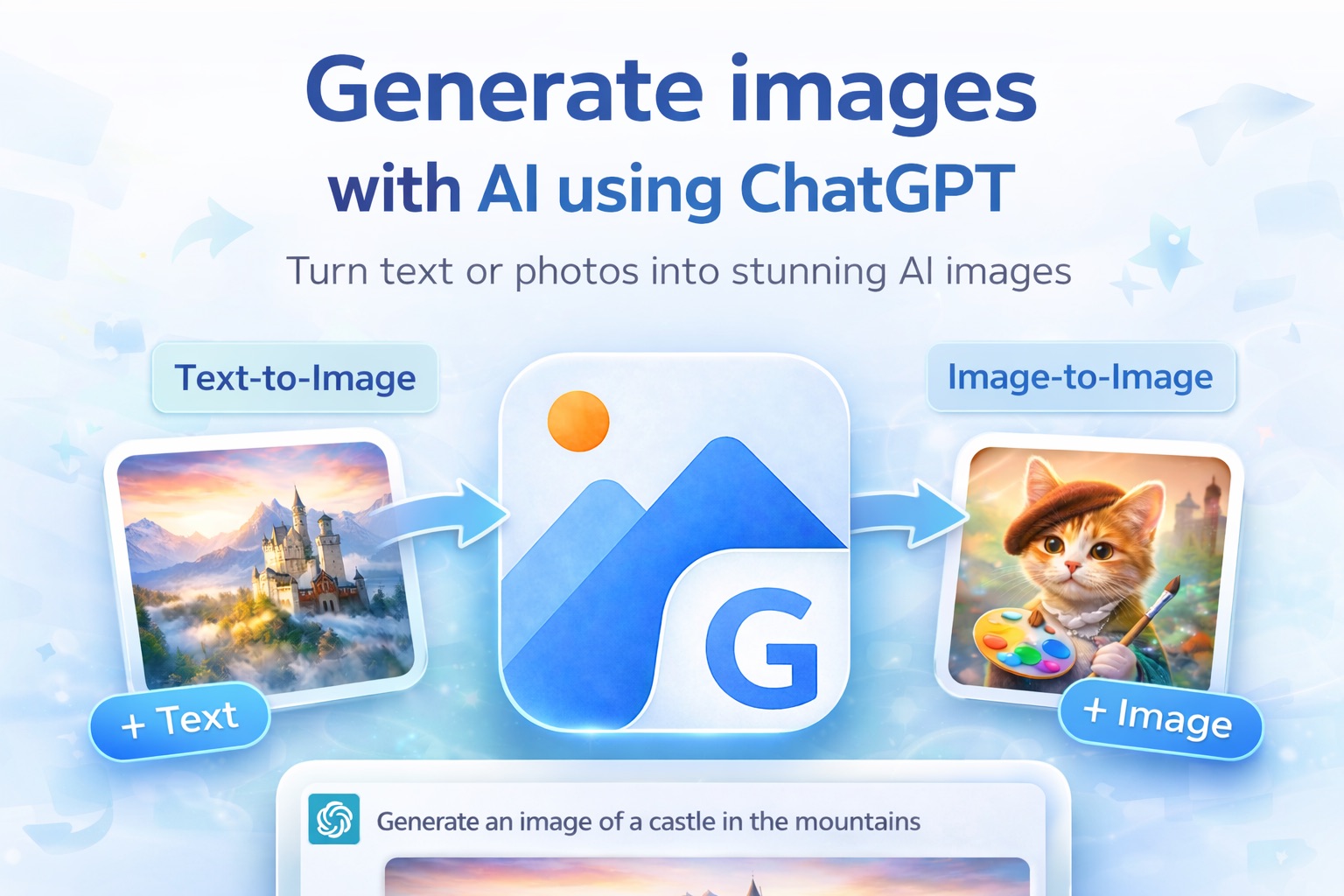
Image2GPT is a browser workspace for OpenAI’s GPT-Image-2 — “GPT Image 2 — Any image you want.” Text-to-image, image editing, and style transfer sit in one tool, with output up to 2K natively and 4K through upscaling, and no watermarks on any tier.
Generation settings are exposed rather than hidden: prompts run to 5,000 characters, you can attach up to 5 reference images (PNG, JPG, or WebP, 10 MB each), generate 1–4 outputs per run, and pick quality from Standard 1K through HD 2K to Ultra 4K across five aspect ratios.
A library of 100+ example images sits alongside the generator, each with its prompt exposed and a copy button — fashion portraits, dark fantasy, comic art, cinematic film stills, watercolor, embroidery, landscapes — so you can start from something that already worked rather than a blank field.
Key Features
- Text-to-image — Powered by OpenAI GPT-Image-2.
- Image editing — Background removal, style swaps, adding elements, mask inpainting.
- Style transfer — Restyle an existing image while keeping its subject.
- Character consistency — Hold the same subject across multiple generations.
- Up to 4K, no watermarks — 2K native, 4K via upscaling, on every plan.
- 100+ example prompts — Copy-and-adapt templates across a dozen styles.
- Free side tools — Prompt extraction, background removal, and upscaling.
- Video generation — Seedance 2.0 available alongside the image tools.
Pricing
- Free — 5 credits on signup. Text-to-image and image-to-image, output up to 2K.
- Hobby — $9.90/month. 400 credits, up to 100 images per month, 4K output.
- Pro — $39.90/month. 2,000 credits, up to 500 images per month.
Annual billing carries a 30% discount, and one-time credit packs are available if you would rather not subscribe.
Who It’s For
Product designers, e-commerce managers, content creators, marketers, UX designers, and indie developers who need production-quality imagery without a photo shoot.
How It Works
- Describe the image you want in natural language, and attach reference images if the result should follow them.
- Set the output count, quality, and aspect ratio.
- Generate and download — no watermark, at up to 4K.