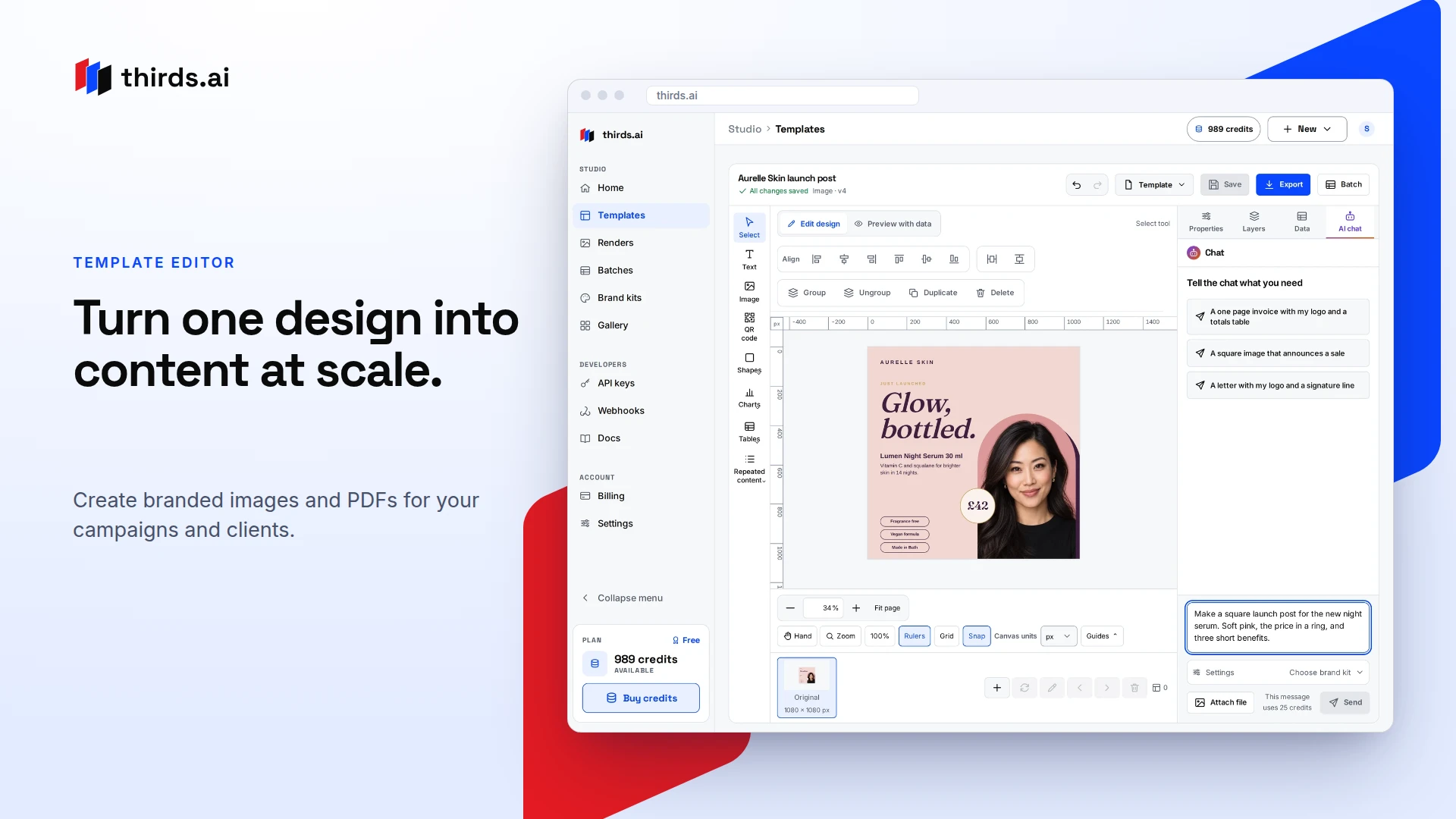
Create branded images and PDFs for your campaigns and clients. Automate each new version through our API or your AI tools.
 Melies AI
11 tools in this category
AI design tools support UI/UX assets, graphics, mockups, and creative experiments. Compared with pure image generators, these products often emphasize design systems, vectors, screenshots, or game/art pipelines.
Use this category when your output needs to fit a layout, brand kit, or interactive product—not just a standalone picture.
Match the artifact: app screenshots, room mockups, pixel sprites, or brand graphics. Prefer tools that export in the formats your stack needs (PNG, SVG, spritesheets) and keep brand colors consistent.
Create branded images and PDFs for your campaigns and clients. Automate each new version through our API or your AI tools.
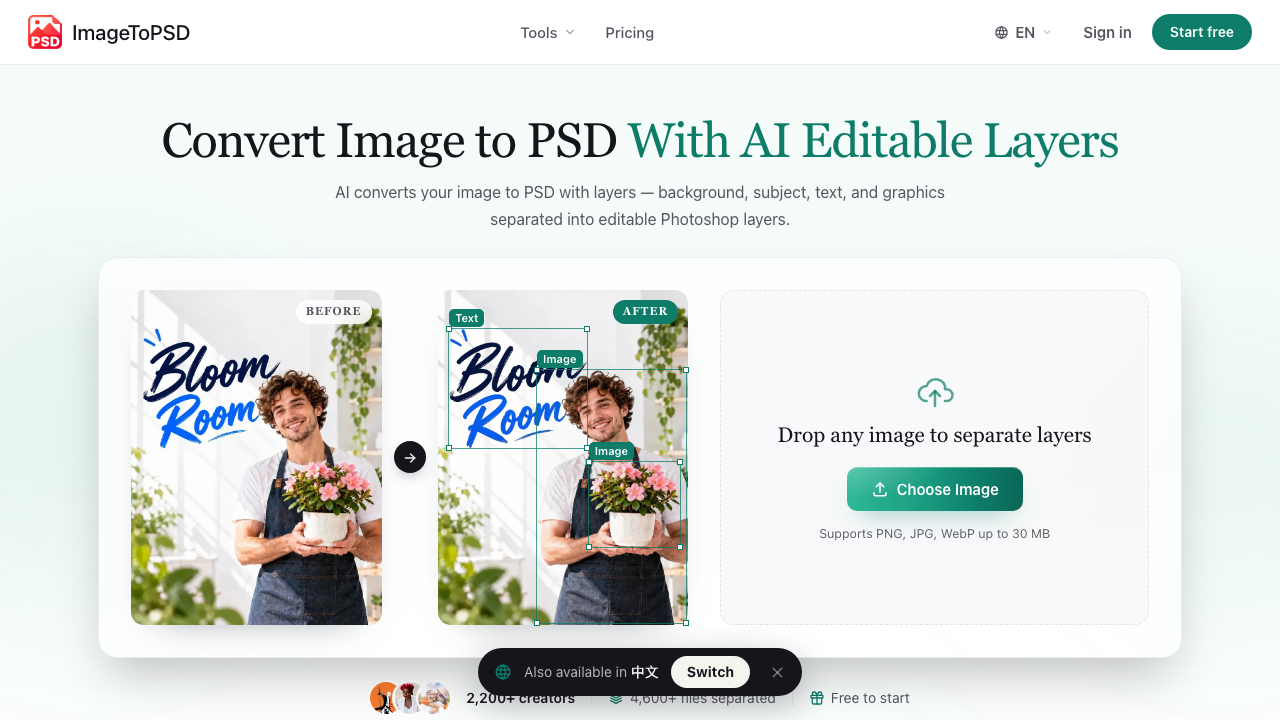
Convert any JPG, PNG, or WebP into a layered PSD with AI. Subjects, text, graphics, and backgrounds are split into real editable Photoshop layers.
4.6K/mo · DR 9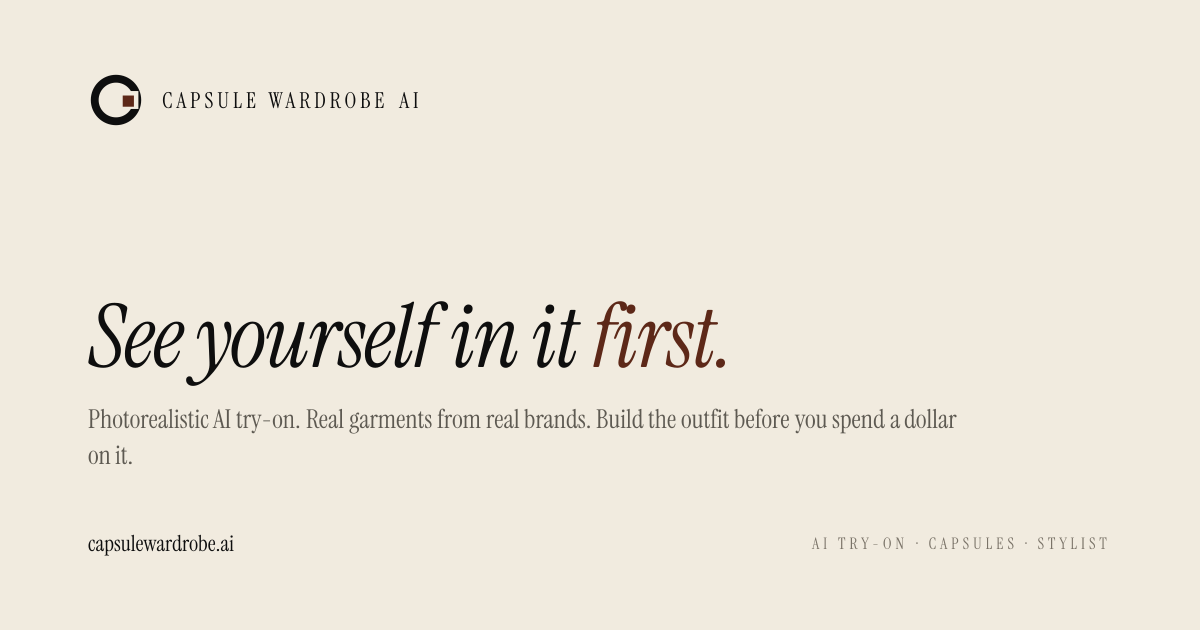
Photorealistic AI try-on for real outfits — upload one photo and see yourself in pieces you own, want to buy, or from any retailer URL.
DR 15
WordPalette is a free browser-based tool that turns a word or image into a complete mini brand system: color palette, names, slogans, typography, tokens, moodboard, logo prompt and brandbook.
DR 94
Play Zip Game Online Draw a continuous path from 1 to N, visiting every cell exactly once. A satisfying logic puzzle that is easy to learn and endlessly replayable.
5.7K/mo · DR 19

Generate pixel sprites and animated spritesheets from text prompts, then export PNG, GIF, or ZIP for games.
DR 28
Editaimg is an advanced AI image editor for retouching, removing watermarks, and editing text. It simplifies complex photo tasks like adding people to photos with professional AI tools.
15.2K/mo · DR 34

An AI interior design tool that helps users restyle rooms, generate new room concepts, and explore design styles, materials, and color palettes from simple inputs.
28.7K/mo · DR 41
ATRX manufactures professional commercial induction cookers for restaurants and hotels. We are actively exploring AI integration as our future development direction for smarter kitchen automation.
DR 18Design tools optimize for product and brand workflows—layouts, vectors, mockups, sprites. Image generators optimize for open-ended pictures from prompts. Overlap exists; categorize by your main deliverable.
Check each tool’s license for commercial app use, trademark risks, and whether generated assets may resemble existing brands or people.
Start with screenshot and mockup tools that remove blank-canvas anxiety. Keep a simple brand kit (colors, logo, type) so AI outputs stay consistent.