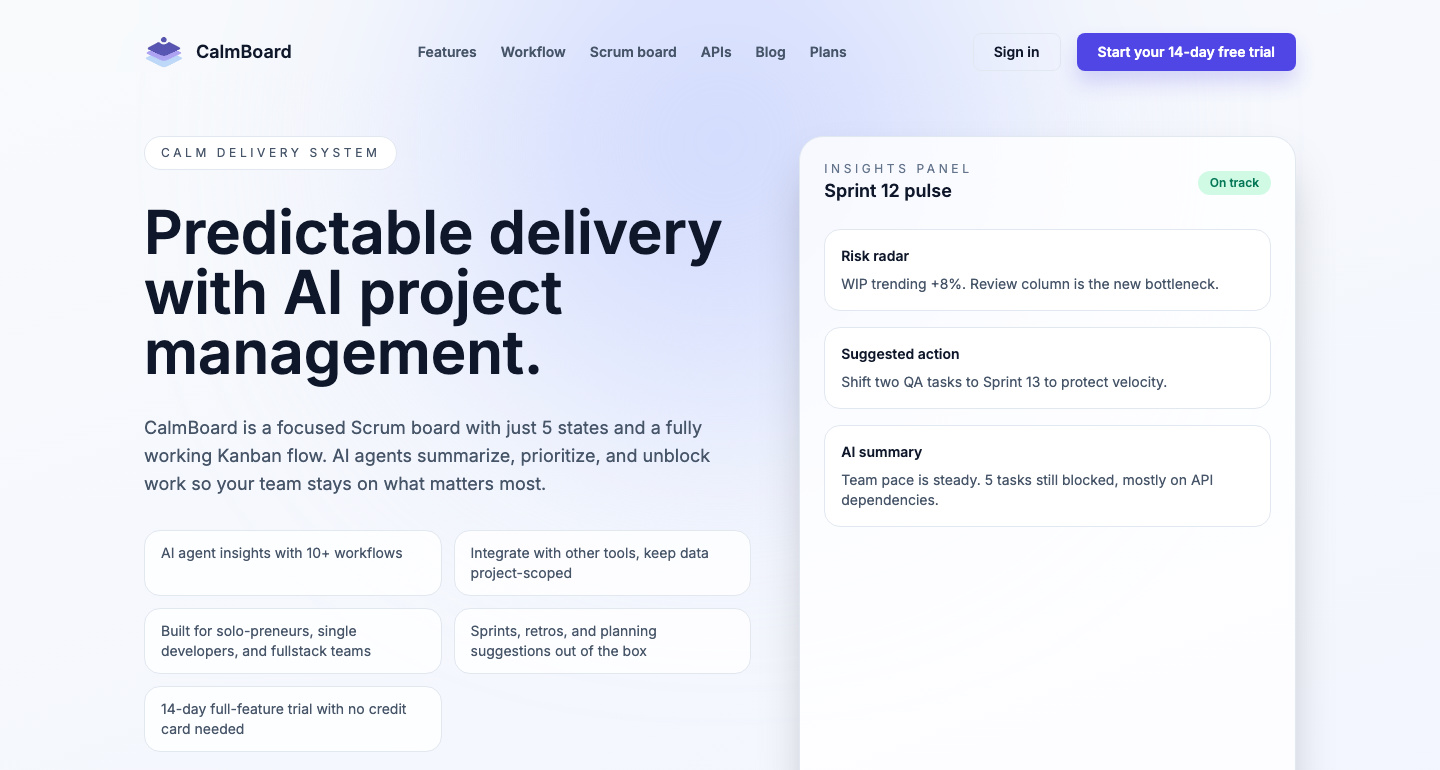
CalmBoard’s pitch is a specific one: “Find delivery risks before they become delays.” It gives software teams a focused five-state Scrum board plus explainable AI insights to prioritize, unblock, and align work — and it is explicit about the boundary: the AI does not change the project on its own. Suggestions are reviewed by a human before anything happens.
That design shows up throughout. Sprint health monitoring surfaces risk with an explanation attached rather than a score. Task allocation draws on throughput, velocity, and team bandwidth. Retrospectives get automated summaries and pattern detection so the same problem does not resurface unnoticed three sprints running.
Integrations are project-scoped, exposed through REST APIs and an MCP server.
Key Features
- Sprint health monitoring — Explainable AI insights, not opaque scores.
- Smart task allocation — Based on throughput, velocity, and team bandwidth.
- Automated retrospectives — Summaries plus pattern detection across sprints.
- Five-state Scrum workflow — With structured planning prompts.
- REST API and MCP server — Project-scoped integrations.
- Human-in-the-loop — AI suggestions are reviewed before implementation.
Pricing
- 14-day trial — Free, all Startup features, no credit card required.
- Startup — $6/user/month, 500 AI credits weekly, up to 10 projects.
- Enterprise — Coming soon, with custom credits, unlimited projects, and SSO/OAuth.
Who It’s For
As the site puts it, CalmBoard is “built for focused software teams, not endless configuration” — teams that want a working board on day one rather than a two-week setup project.
How It Works
- Align the team through sprint goals and structured prompts.
- Track momentum via AI summaries that keep stakeholders informed.
- Learn faster from retrospectives that surface recurring patterns.