


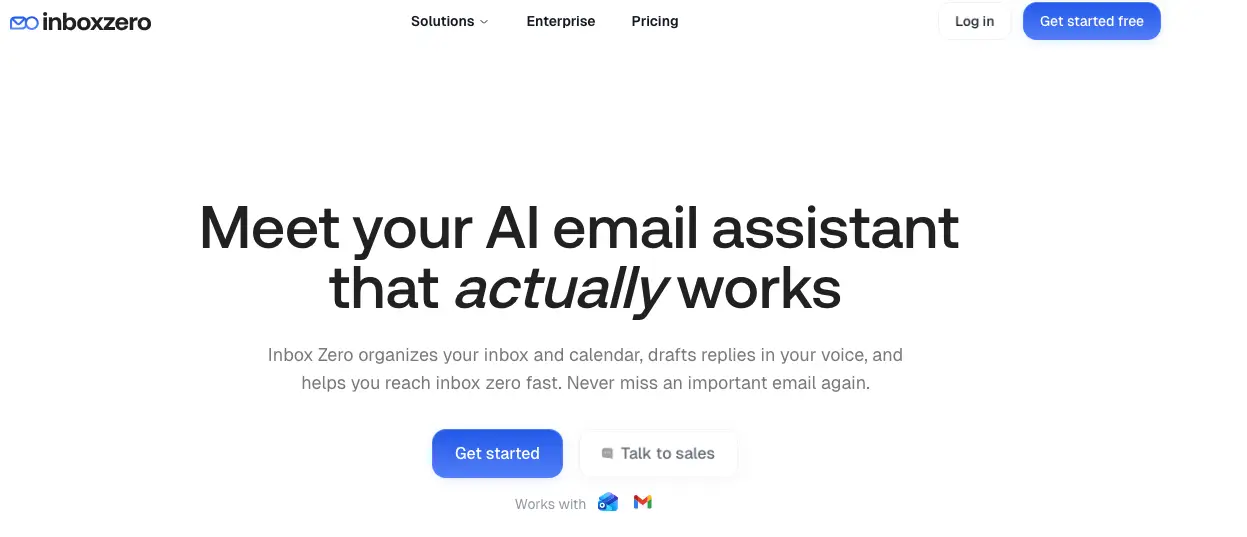
Inbox Zero is an AI assistant designed to work alongside Gmail, Google Workspace, and Microsoft Outlook. It focuses on reducing email workload by organizing incoming messages, drafting replies, and automating repetitive inbox tasks.
Key Features
- Automatic Inbox Organization: Labels and categorizes incoming emails so priority messages are easier to spot.
- Pre-Drafted Replies: Generates response drafts based on your writing style, email history, and calendar context.
- Works with Existing Email Clients: Integrates with Gmail and Outlook instead of replacing your current inbox.
- Bulk Unsubscribe + Archiving: Helps clean up newsletters and low-value emails with one-click actions.
- Workflow Customization: Lets teams configure categories and assistant behavior in plain English.
- Open-Source + Security Positioning: Product pages highlight open-source availability and SOC 2 Type II compliance.
Use Cases
- Founders and Executives: Reduce daily inbox overhead while keeping response quality.
- Support and Operations Teams: Prioritize urgent threads and automate repetitive replies.
- Small Businesses: Handle customer/vendor communication with less manual sorting.
- High-Volume Email Users: Clean and triage inboxes faster with AI-assisted labeling and drafting.
Why Choose Inbox Zero
Inbox Zero is suitable for teams that want AI email automation without changing where they already work, combining inbox triage, draft generation, and cleanup workflows in one layer.