Image to Image AI is built around one job: “Harness AI to morph, stylize, and recreate any image effortlessly.” You upload a source image, describe the change in a prompt, and get back a version that keeps the composition and key elements recognizable while applying the transformation.
That structural preservation is the point of difference from plain text-to-image. The original layout stays readable, so a product shot stays a shot of that product and a portrait stays that person — you are changing style, environment, or mood rather than generating something new that happens to look similar.
The platform runs several models behind the same interface, including Nano Banana, Nano Banana Pro, GPT-4o Image, and Flux Kontext.
Key Features
- Maintain original structure — Composition and key elements stay recognizable through the transformation.
- Multi-model support — Nano Banana, Nano Banana Pro, GPT-4o Image, Flux Kontext, and more.
- Fast, parallel variations — Multiple versions generated in seconds.
- Versatile style application — Artistic styles and environmental changes from a text prompt.
- High-resolution output — Professional quality suitable for commercial use.
- Batch input — Up to 10 images at once, 10 MB each.
Who It’s For
Designers visualizing concepts, marketers producing campaign variations, and anyone experimenting with artistic direction on images they already have.
How It Works
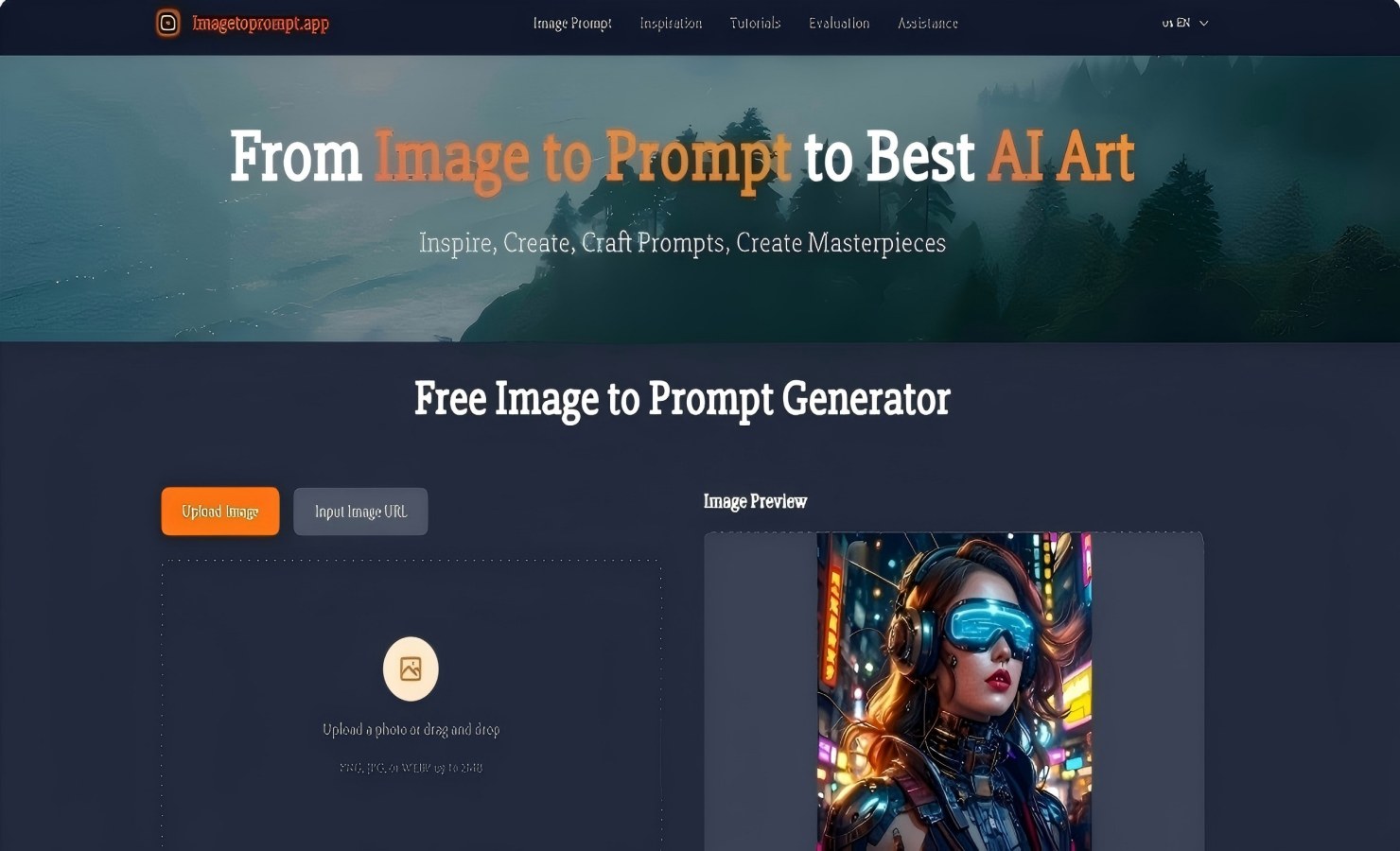
- Upload an image — up to 10 at a time, max 10 MB each, in JPEG, JPG, PNG, or WebP.
- Describe the change you want in a prompt (up to 5,000 characters).
- Adjust the settings — aspect ratio, output format, model.
- Generate and download.
The platform runs on a credit system, starting with 6 credits on signup; a fast Google model costs 3 credits per image.