
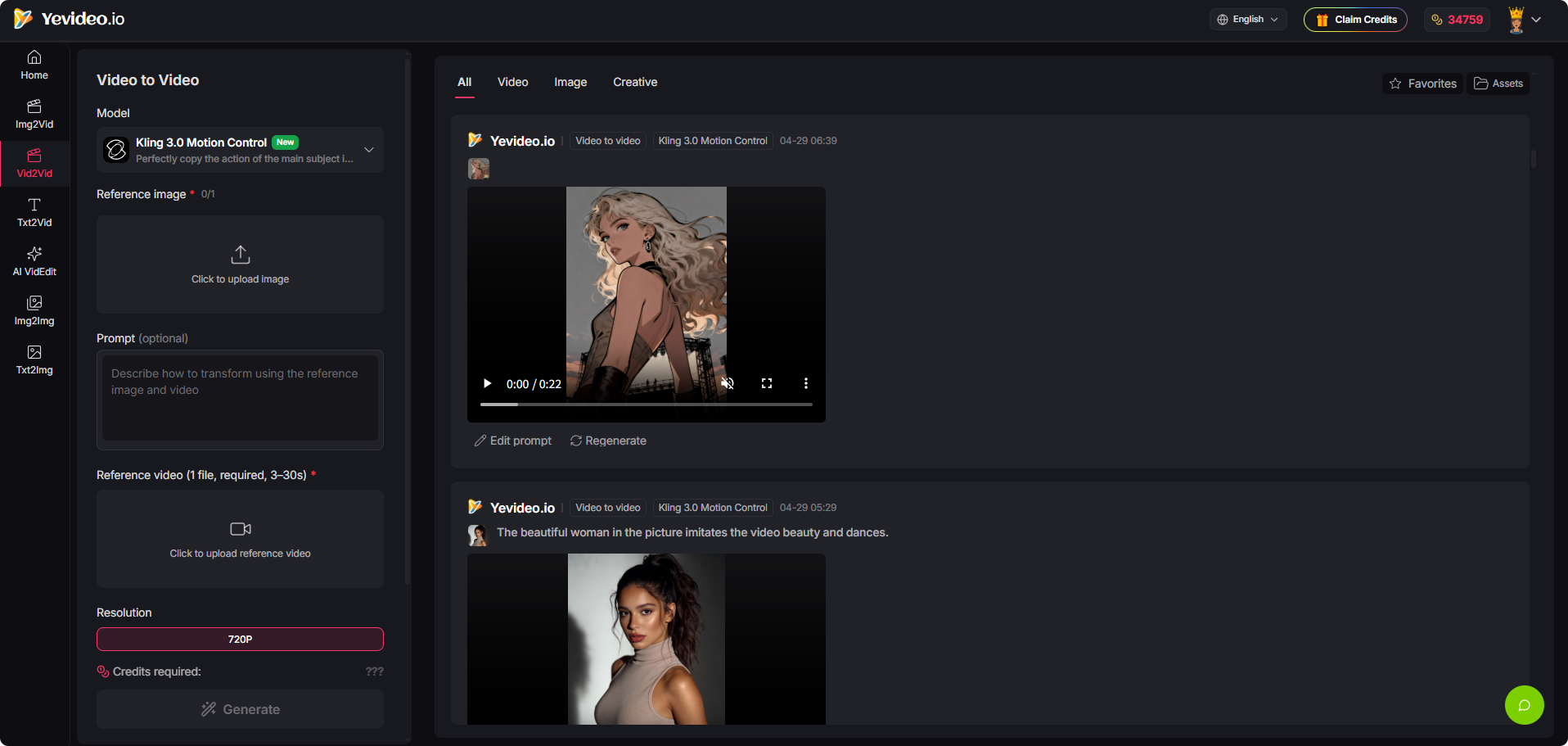
Yevideo brings 10+ model families into one studio — “multiple AI models, one studio for AI video and AI images.” The workflow is consistent regardless of model: pick one, write a prompt or upload references, then generate, iterate, and download.
On video it carries Gemini Omni Video (Google), Seedance 2.0 and 2.0 Fast (ByteDance), Veo 3.1 in Fast and Quality variants (Google), HappyHorse image-to-video, Kling 3.0 Motion Control, and Wan 2.5/2.7 variants. On images: Nano Banana, Nano Banana Pro, GPT Image 2, GPT-4o Image, and FLUX. Native audio is supported on select models.
Key Features
- Full generation matrix — Text-to-image, image-to-image, text-to-video, image-to-video, and video-to-video.
- Face upload for video — Drive a generation from a specific face.
- Instruction-based video editing — Control elements in a clip through text.
- Camera motion controls — Push/pull, pan, tilt, and Hitchcock zoom.
- Motion imitation and reference-to-video — Transfer movement from a source clip.
- Native audio — Available on select models.
Who It’s For
Content marketing and creative teams that need continuous output — social media operations, eCommerce assets, brand advertising, and creative testing — where model choice per job matters more than loyalty to one vendor.
How It Works
- Pick the model that suits the shot.
- Write a prompt, or upload references and a face.
- Generate, iterate, and download.
Pricing starts at $12/month on a credit system, where cost depends on the model, resolution, duration, and number of outputs. Free credits come from welcome bonuses, daily check-ins, and feedback rewards. Commercial use is permitted for paid plan subscribers producing ads, marketing assets, and business content.