
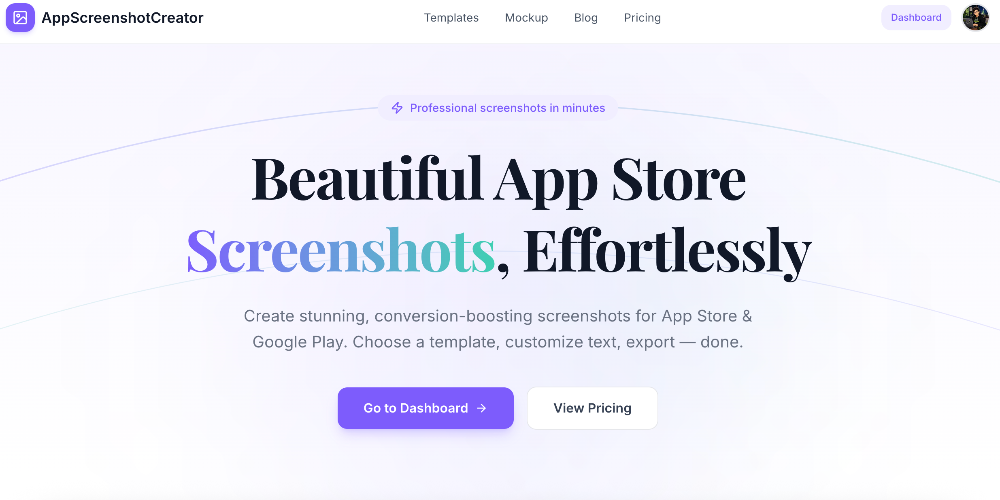
AppScreenshot Creator makes App Store and Google Play screenshots without a design tool — “Beautiful App Store Screenshots, Effortlessly.” Instead of spending hours in Figma or Photoshop templates, you upload your raw screenshots, pick a template, adjust the copy and colors, and export.
Templates are designed per app category — health, dating, AI, storage, fashion — so the layout starts closer to what your listing needs. Typography is fully controllable (fonts, sizes, colors, alignment), and each screenshot in a project can be styled individually rather than forcing one look across the set. A separate free device mockup generator wraps any image in a realistic iPhone, iPad, or Android frame.
Key Features
- Category-specific templates — Professionally designed layouts per app type.
- Custom typography — Fonts, sizes, colors, and alignment under your control.
- Per-screenshot styling — Handle multiple screenshots in a project, each styled its own way.
- Device frames — iPhone, iPad, and Android mockups.
- One-click export — Full-resolution PNG or JPG.
- Free mockup generator — Available separately from the main editor.
Pricing
- Free — $0. Three projects, basic templates, single-size export, PNG only.
- Pro — $29 one-time. Unlimited projects, all premium templates, multi-size export, PNG and JPG, priority support, lifetime access.
No subscription — Pro is a single payment with lifetime access.
Who It’s For
App developers, indie makers, and marketers who need store-ready screenshots — launching a new app, refreshing a listing, or running ASO experiments where turnaround matters more than pixel-level control.
How It Works
- Upload your app screenshots — iPhone, iPad, and Android sizes supported.
- Choose a template and customize headlines, fonts, and colors to match your branding.
- Export high-quality PNG or JPG files ready for store submission.
Built by an indie developer for developers who would rather spend the time building the product.