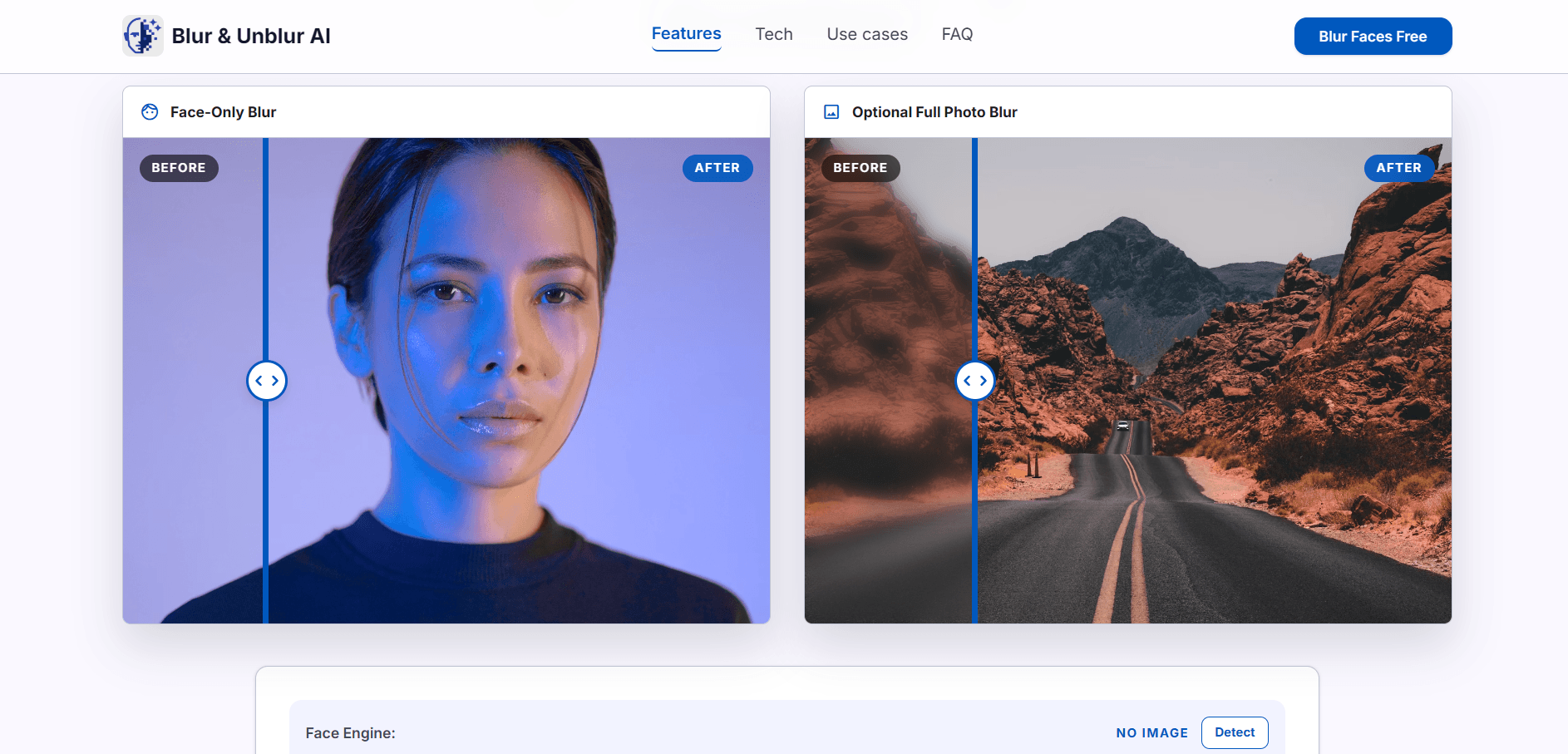
Blur & Unblur AI is a private face blur tool for the browser — blur faces in photos before sharing them online, without sending the photo anywhere. The image is decoded, face masks are created, and the blurred result is rendered using browser APIs and HTML5 Canvas. There is no upload endpoint.
Automatic detection does the first pass, but the tool assumes it will not be perfect. A select mode lets you remove false detections or toggle individual masks off, and a lasso tool lets you mark faces the detector missed. Blur strength is a live slider, so you can see how much is enough before exporting.
Key Features
- Automatic face detection — With editable masks rather than fixed output.
- Lasso tool — Manually mark faces detection missed.
- Select mode — Remove false detections or toggle individual masks.
- Live blur strength — Adjust with a slider and preview in real time.
- Full-photo blur — Available as a secondary option.
- Clean PNG export — No editor overlays or guide boxes in the output.
Who It’s For
Anyone sharing screenshots, event photos, school photos, group shots, public albums, or social posts who needs bystanders’ faces obscured quickly — and would rather not upload the original to a stranger’s server to do it.
How It Works
- Load a JPG, PNG, or WebP image.
- The tool detects faces and creates editable masks.
- Remove wrong boxes, or lasso around any face it missed.
- Adjust blur strength with live preview, then download a clean PNG.
Works in current versions of Chrome, Edge, Safari, and Firefox with JavaScript and Canvas enabled.